Clean massive datasets.
In minutes. On your machine.
DedupeX is a high-performance deduplication engine for Windows — purpose-built to process 100GB+ files with minimal RAM, completely offline.
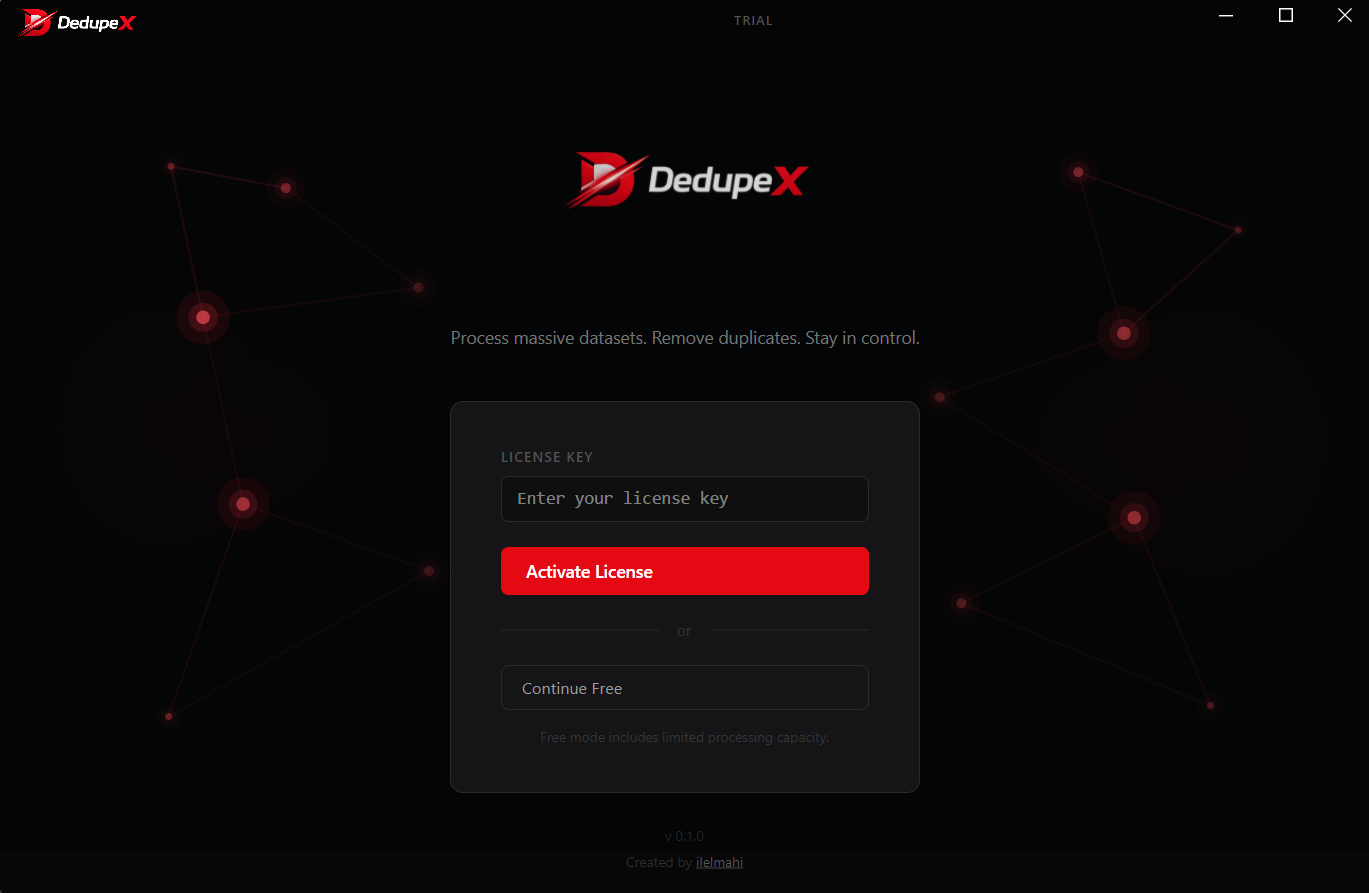
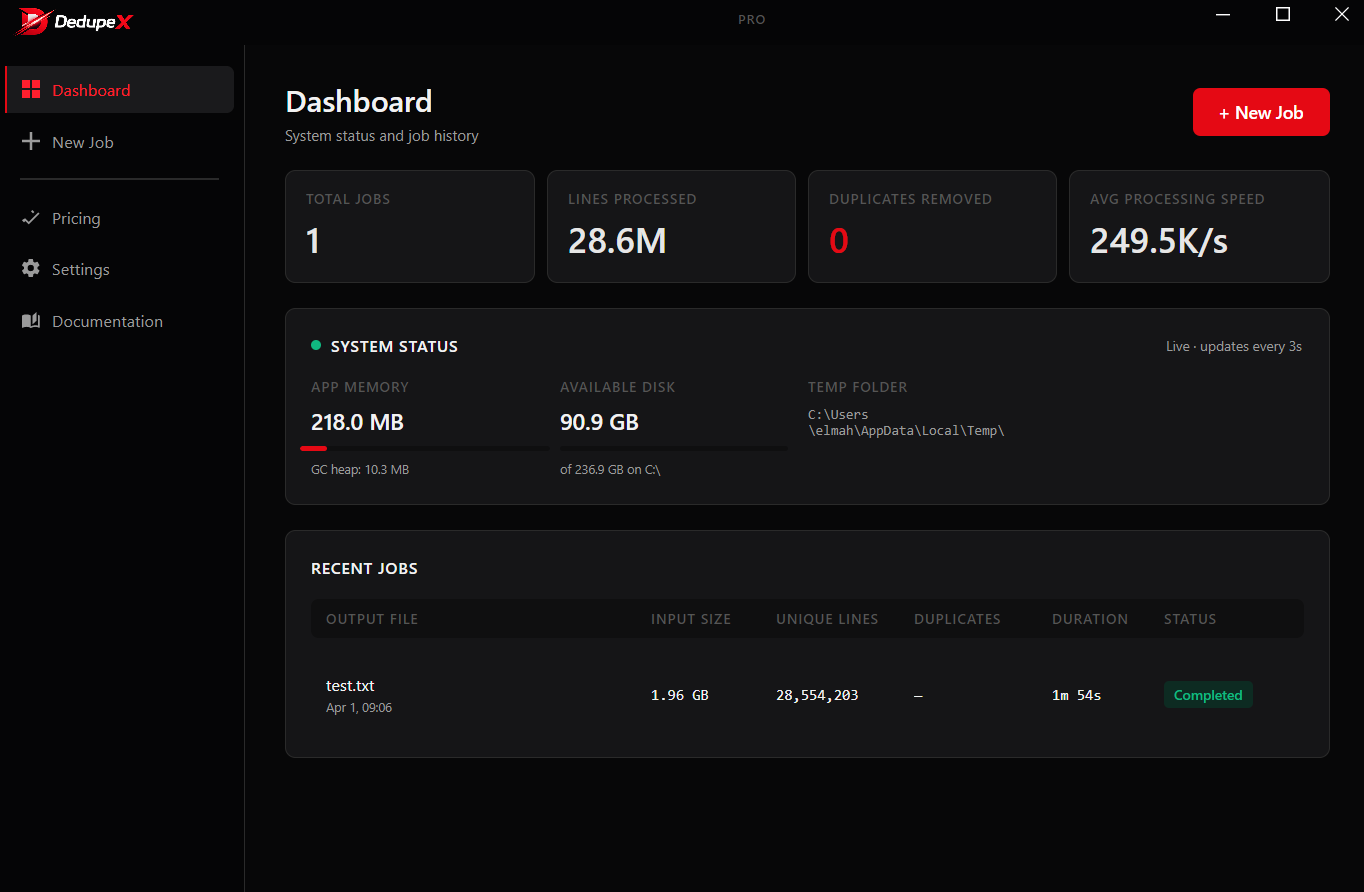
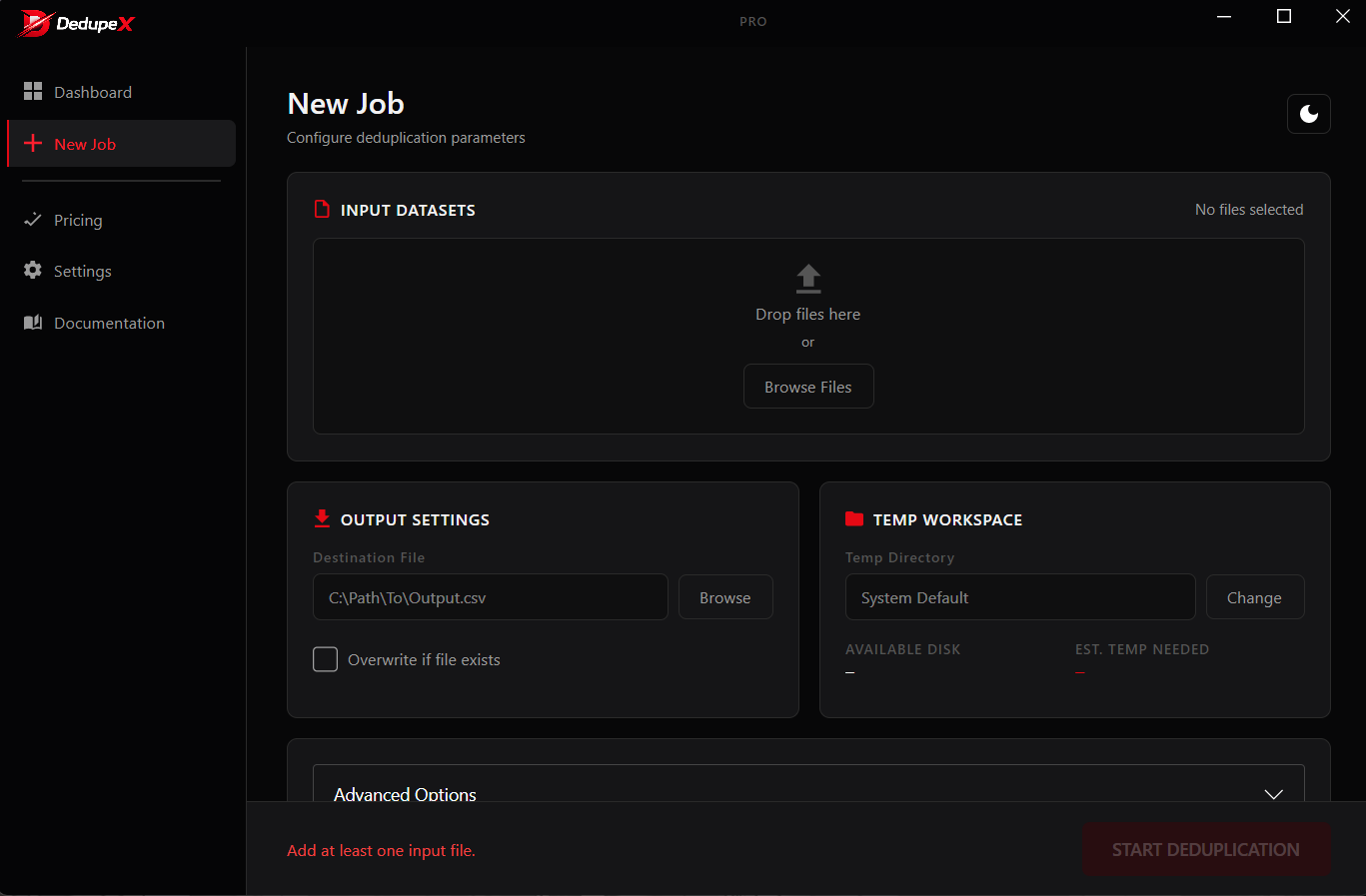
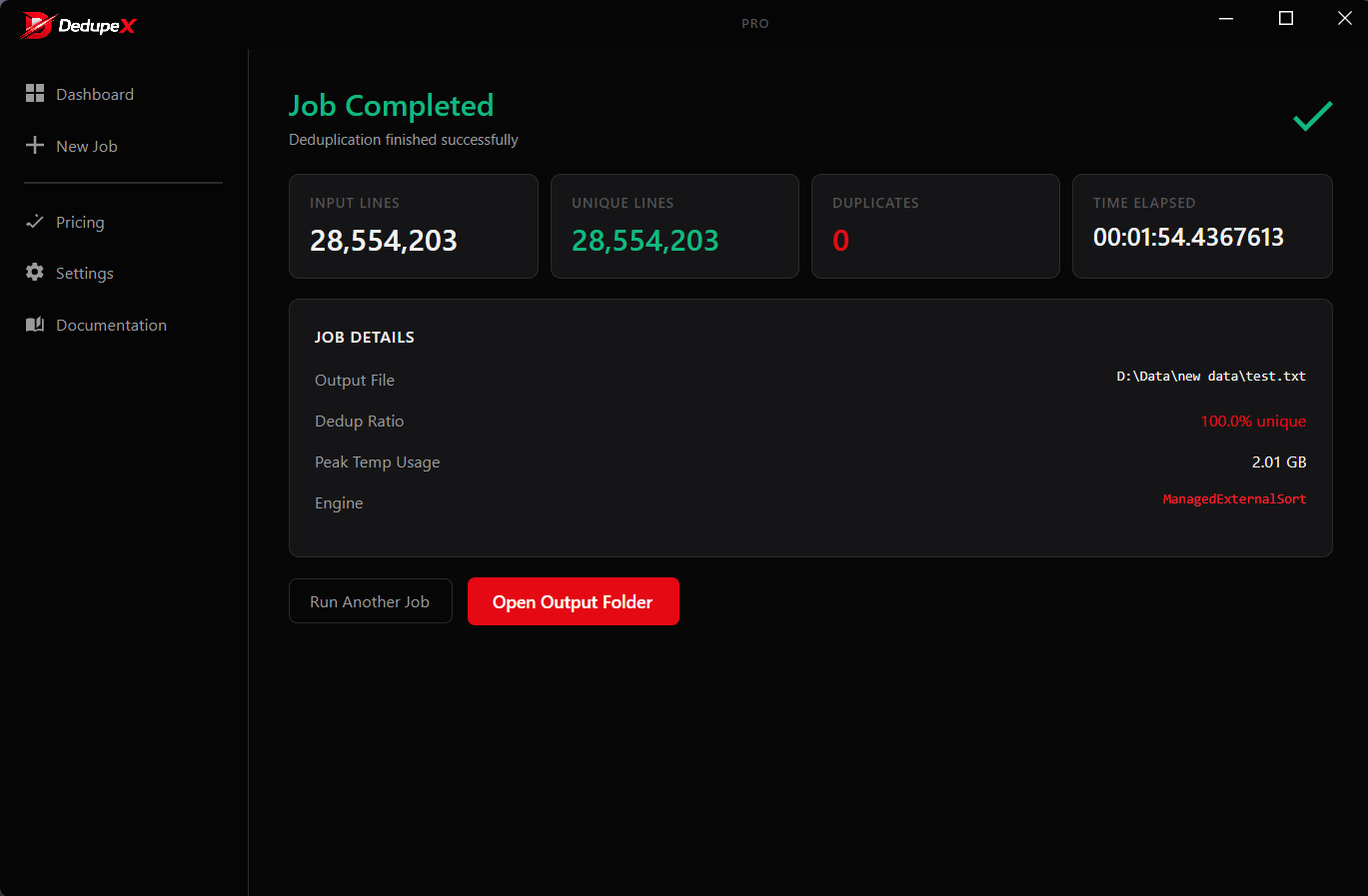
A desktop app that means business
Every screen is designed for real operational work — not a toy.
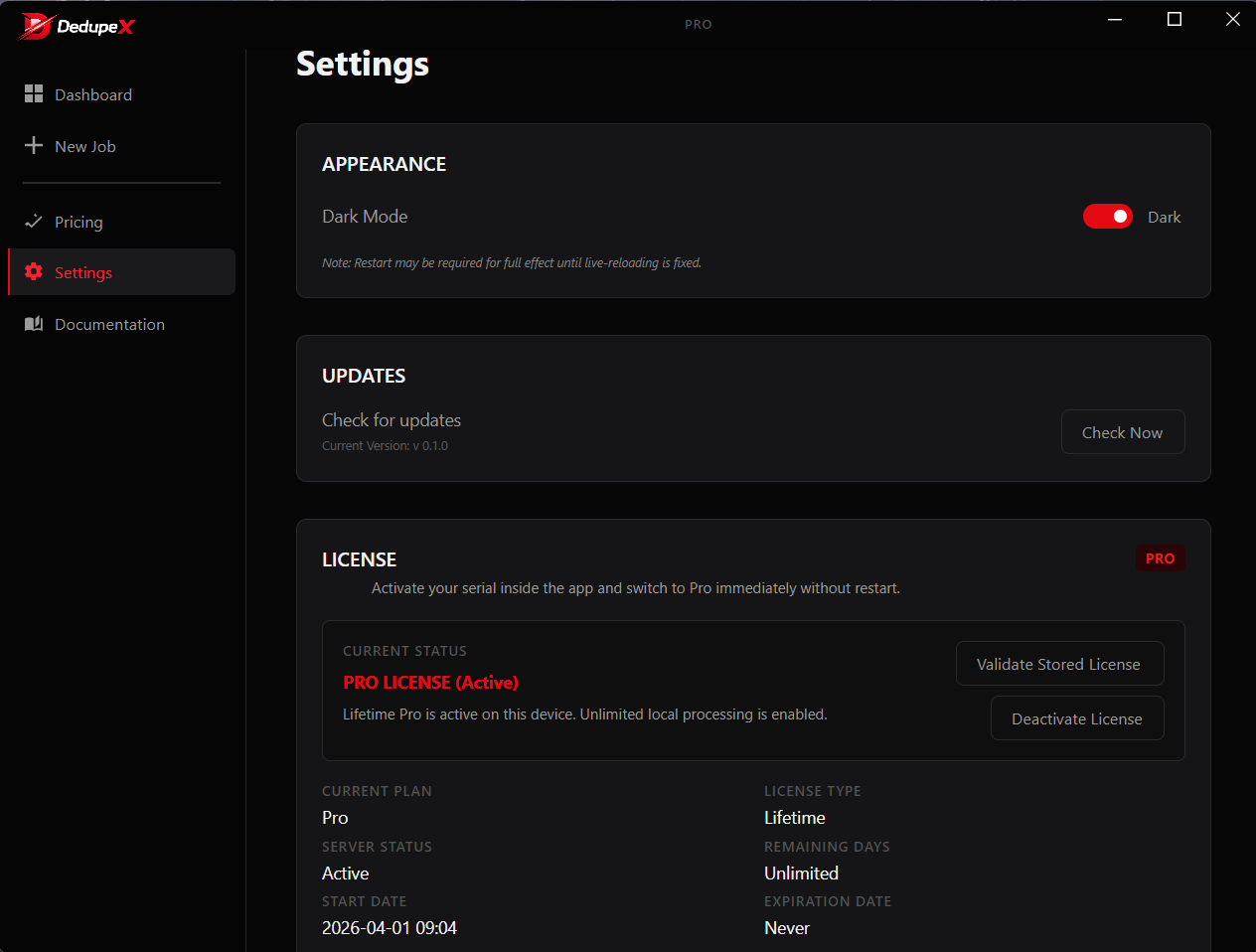
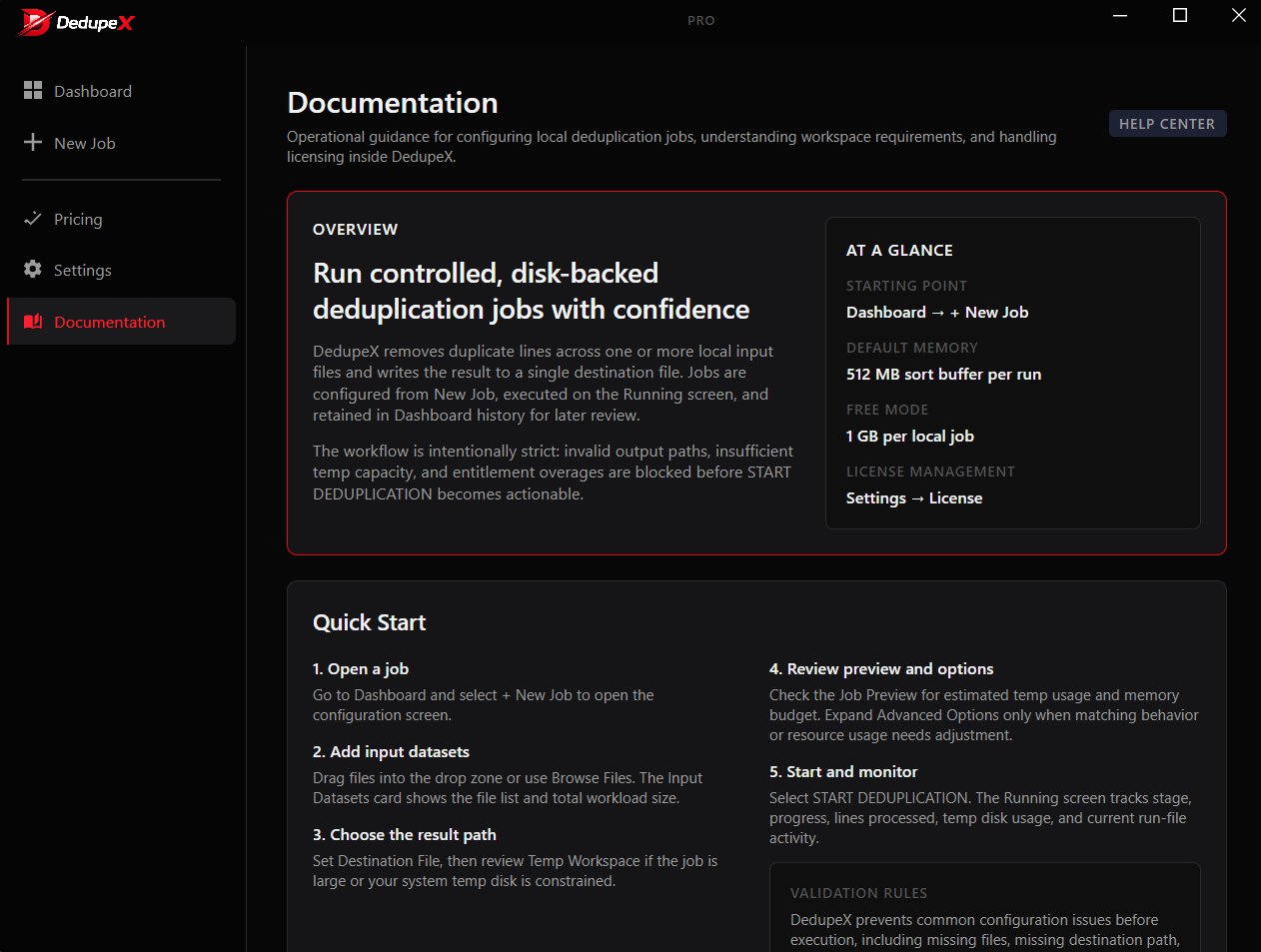

Built for scale, tuned for speed
An external sort–based engine that streams from disk, so enormous files never choke your machine.
Blazing fast
2GB cleaned in under two minutes. Optimized throughput that keeps pace with enterprise-scale data.
Low memory footprint
Streams data from disk instead of loading it all into RAM — runs smoothly even on 4GB machines.
Handles 100GB+
Purpose-built for very large datasets that spreadsheets and generic tools simply can't open.
Encoding-aware
Automatic encoding detection keeps your text intact from input to output, every single run.
Full visibility
Real-time progress, performance metrics, and a detailed audit log for every job you run.
Private by design
All processing happens locally. Your data never touches a server — perfect for sensitive records.
When duplicates are the problem
Teams that live in large data files reach for DedupeX.
List & CRM cleaning
Strip duplicate contacts, emails, and leads from marketing and sales exports before import.
Data migrations
De-dupe records during system migrations so you never carry junk into the new database.
Analytics prep
Clean raw datasets before analysis so your numbers aren't skewed by repeated rows.
Log & record hygiene
Collapse duplicate log lines and transaction records across massive exports.
Research datasets
Prepare huge academic or scraped datasets where duplicates ruin the results.
Ops & back office
Any team that regularly wrangles multi-GB CSV/TXT files that Excel refuses to open.
Why not just use Excel?
Spreadsheets and manual scripts break down exactly where DedupeX shines.
| Capability | Excel / Sheets | Manual scripts | DedupeX |
|---|---|---|---|
| Opens 100GB+ files | Maybe | ||
| Low memory (4GB RAM) | |||
| 2GB in under 2 minutes | Varies | ||
| No coding required | |||
| Encoding-safe output | Risky | DIY | |
| 100% local & private |
Used by data teams that can't afford mistakes
Real feedback from people who clean data for a living.
“Opened a 40GB export that crashed everything else. DedupeX chewed through it and gave me a clean file in minutes.”
“We de-dupe every CRM export before import now. It's become a standard part of our workflow — fast and dead simple.”
“The fact that everything stays local sold me — I can clean sensitive records without anything leaving my machine.”
Start free, upgrade when you scale
Try the full workflow for free. Unlock unrestricted performance with Pro.
Free
- Core deduplication engine
- Modern desktop interface
- Automatic encoding detection
- Large dataset support
- Priority support
Pro Monthly
- Everything in Free
- Unrestricted performance
- 100GB+ dataset support
- Full feature access
- Priority support
Pro Lifetime
- Everything in Pro Monthly
- Lifetime license — no renewals
- All future updates included
- Priority support
Questions, answered
Is my data safe? Does anything get uploaded?
Nothing is uploaded. DedupeX processes everything locally on your Windows machine — your data never touches a server. The only network call the app makes is a lightweight license check.
What Windows versions are supported?
Windows 10 and Windows 11, 64-bit. It runs on the .NET 8 runtime, with a minimum of 4GB RAM (8GB+ recommended for very large jobs, and an SSD is recommended).
How large a file can it really handle?
DedupeX uses an external sort–based engine that streams from disk, so it comfortably processes datasets exceeding 100GB without loading everything into memory.
What's the difference between Free and Pro?
Free covers the core deduplication workflow for evaluation and smaller jobs. Pro unlocks unrestricted performance, large-dataset support, full feature access, and priority support — available as a $2.99/month plan or a $19.99 lifetime license. You get a license key instantly after purchase.
How do I buy Pro and get my license key?
Pick a plan and click “Get Monthly” or “Get Lifetime” to reach us. We'll issue your license key within minutes, which you activate directly inside the app.
If Windows SmartScreen warns me, what do I do?
That's a standard warning for newer independent apps. Click “More info” → “Run anyway” to proceed with the install.
Ready to process data at scale?
Download DedupeX free and run your first job in under 5 minutes. No account needed.